Proxmox Logo

Proxmox Templates

Ubuntu 22.04 Template ubuntu-2204-jammy Open a shell on the Proxmox host. First install libguestfs-tools so we have virt-customize, then download the image then uninstall open-vm-tools and install qemu-guest-agent. apt install libguestfs-tools wget https://cloud-images.ubuntu.com/jammy/current/jammy-server-cloudimg-amd64.img virt-customize -a jammy-server-cloudimg-amd64.img --uninstall open-vm-tools virt-customize -a jammy-server-cloudimg-amd64.img --install qemu-guest-agent --truncate /etc/machine-id Create the VM that will become a template. I’m using vmid 2204 since this is Ubuntu 22.04. Import the image from the last step. Using default Proxmox storage local-lvm, change accordingly if you added storage. Change –net0 to your environment. To use a vlan: –net0 virtio,bridge=vmbr1,tag=10 Attach the imported disk to the VM. Add the Cloud-Init drive. Set the boot disk. Create the serial interface as the display. ...


April 3, 2025 · 3 min
Portainer logo

Install Portainer in our new Docker environment

Install Portainer Tired of using docker in cli and want a webui to help manage things? Here we go. Bring up the Portainer image We’ll go with what the Portainer docs say except for one tweak. Portainer sets the image to restart: always and for me I like restart: unless-stopped. This way if I stop the container it stays stopped until I start it again. First create a volume for the Portainer data then run the Portainer image. ...

February 24, 2025 · 2 min
Docker logo

Install Docker on Ubuntu

Install Docker I’ve watched a lot of YouTube creators and read a lot of articles on how to install Docker on Ubuntu and almost always they go through the history and what containers are and the benefits of using containers. I also see them install docker-compose. Totally not needed, compose has been built in as a module for some time now. If I’m looking for a tutorial on how to install Docker, I already know what containers are and the benefits of using them. I just want to install Docker. So, I’m going to skip all that and get straight to the point using a minimal Ubuntu server build. ...

December 19, 2024 · 1 min
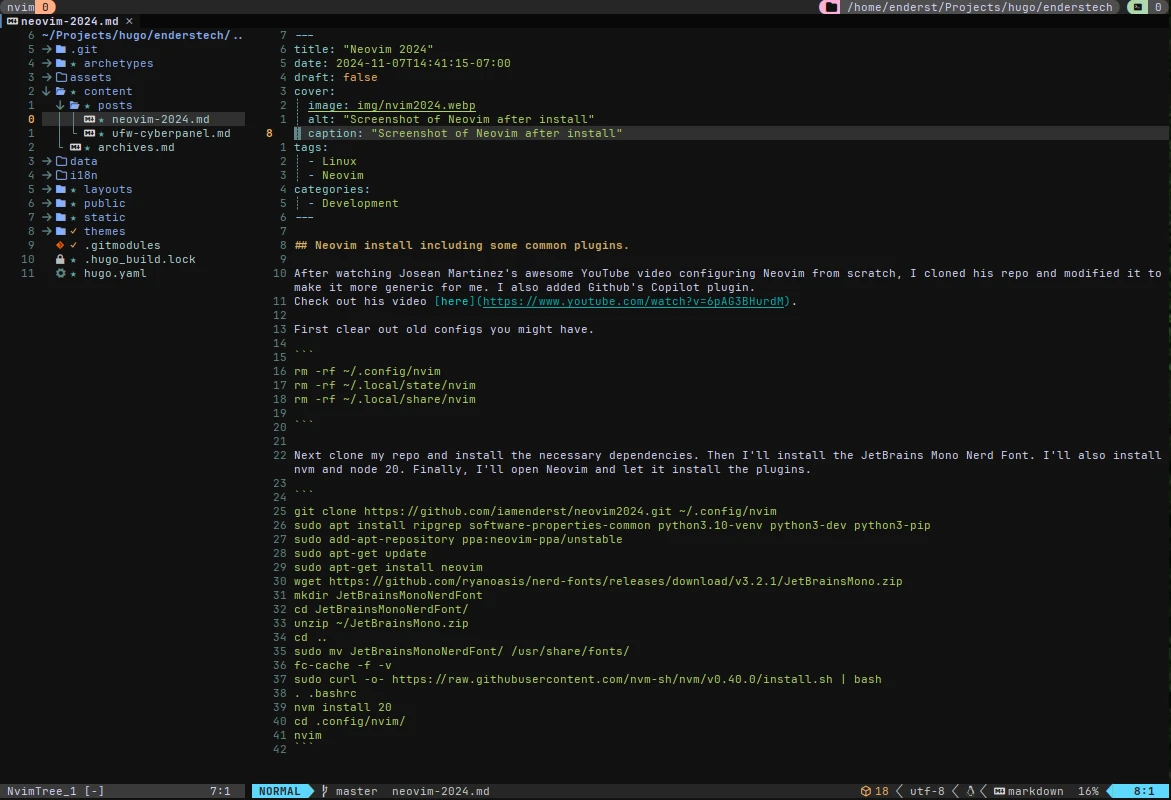
Screenshot of Neovim after install

Neovim 2024

Neovim install including some common plugins After watching Josean Martinez’s awesome YouTube video configuring Neovim from scratch, I cloned his repo and modified it to make it more generic for me. I also added Github’s Copilot plugin. First clear out old configs you might have. rm -rf ~/.config/nvim rm -rf ~/.local/state/nvim rm -rf ~/.local/share/nvim Next I’ll clone my repo and install the necessary dependencies. Then I’ll install the JetBrains Mono Nerd Font. I’ll also install nvm and node 20. Finally, I’ll open Neovim and let it install the plugins. ...

November 7, 2024 · 1 min
AI Generated Linux Firewall

UFW with Cyberpanel

CyberPanel has CSF installed by default but it was removed after an update because of an incompatibility issue with Django. I decided to get UFW configured instead until the issue is fixed. CyberPanel has patched the issue and CSF is back in the latest version. TL:DR apt install ufw ufw default deny incoming ufw default allow outgoing ufw limit ssh comment "Allow SSHd and rate limit SSHd login attempts" ufw allow 21,25,53,80,110/tcp comment "Incoming TCP ports needed for CyberPanel" ufw allow 143,443,465,587/tcp comment "Incoming TCP ports needed for CyberPanel" ufw allow 993,995/tcp comment "Incoming TCP ports needed for CyberPanel" ufw allow 40110:40210/tcp comment "Incoming FTP pasv range needed for CyberPanel" ufw allow 53,443/udp comment "Incoming UDP ports needed for CyberPanel" ufw show added ufw enable ufw status verbose These are the steps to harden the server with UFW Install UFW in case it is not installed already apt install ufw Configure UFW ufw default deny incoming ufw default allow outgoing ufw limit ssh comment "Allow SSHd and rate limit SSHd login attempts" ufw allow 21,25,53,80,110/tcp comment "Incoming TCP ports needed for CyberPanel" ufw allow 143,443,465,587/tcp comment "Incoming TCP ports needed for CyberPanel" ufw allow 993,995/tcp comment "Incoming TCP ports needed for CyberPanel" ufw allow 40110:40210/tcp comment "Incoming FTP pasv range needed for CyberPanel" ufw allow 53,443/udp comment "Incoming UDP ports needed for CyberPanel" Review the rules ufw show added Enable UFW if rules are correct ufw enable Check the status ufw status verbose This should cover the ports CyberPanel needs to work properly. ...

October 7, 2024 · 2 min