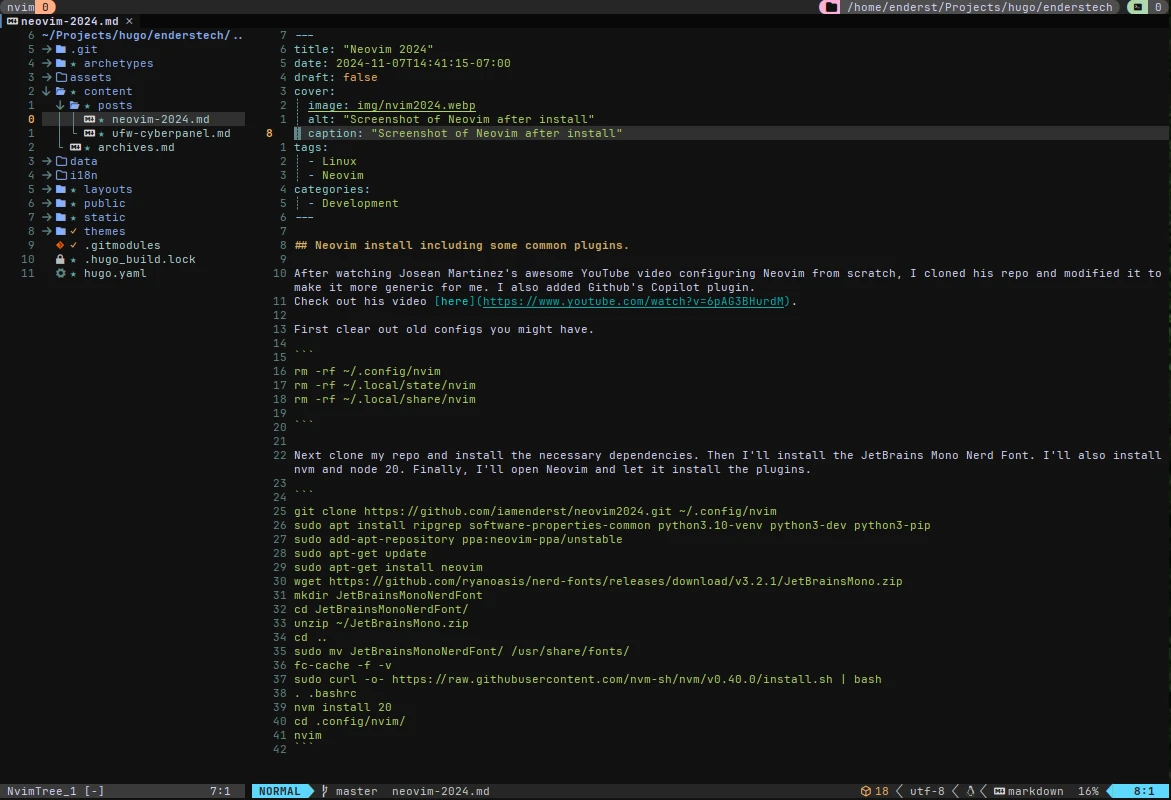
Neovim install including some common plugins
After watching Josean Martinez’s awesome YouTube video configuring Neovim from scratch, I cloned his repo and modified it to make it more generic for me. I also added Github’s Copilot plugin.
First clear out old configs you might have.
rm -rf ~/.config/nvim
rm -rf ~/.local/state/nvim
rm -rf ~/.local/share/nvim
Next I’ll clone my repo and install the necessary dependencies. Then I’ll install the JetBrains Mono Nerd Font. I’ll also install nvm and node 20. Finally, I’ll open Neovim and let it install the plugins.
git clone https://github.com/iamenderst/neovim2024.git ~/.config/nvim
sudo apt install ripgrep software-properties-common python3.10-venv python3-dev python3-pip
sudo add-apt-repository ppa:neovim-ppa/unstable
sudo apt-get update
sudo apt-get install neovim
wget https://github.com/ryanoasis/nerd-fonts/releases/download/v3.2.1/JetBrainsMono.zip
mkdir JetBrainsMonoNerdFont
cd JetBrainsMonoNerdFont/
unzip ~/JetBrainsMono.zip
cd ..
sudo mv JetBrainsMonoNerdFont/ /usr/share/fonts/
fc-cache -f -v
sudo curl -o- https://raw.githubusercontent.com/nvm-sh/nvm/v0.40.0/install.sh | bash
. .bashrc
nvm install 20
cd .config/nvim/
nvim